
ArkheRack
ArkheRack puts everything you'd normally spread across several instances into a single window. Build your chain, keep the levels under control between plugins, save the result as a preset and bring it back whenever you need it. And if a chain works so well you want it everywhere, export it as its own VST3 plugin.
Perpetual license · Free updates · Secure payment
See It In Action
ArkheRack - Introduction & Basics
Features
Everything you need to build, level and recall plugin chains without leaving the rack.
-
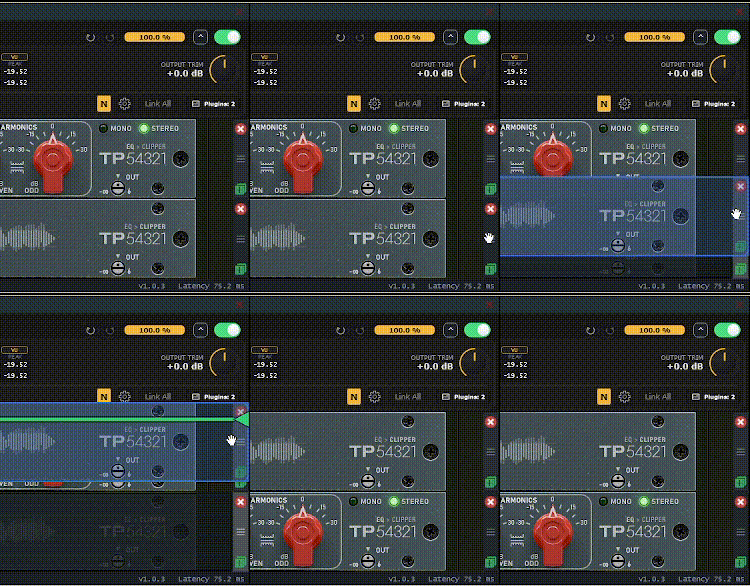
Drag-and-drop plugin chain
![Drag-and-drop plugin chain]()
-
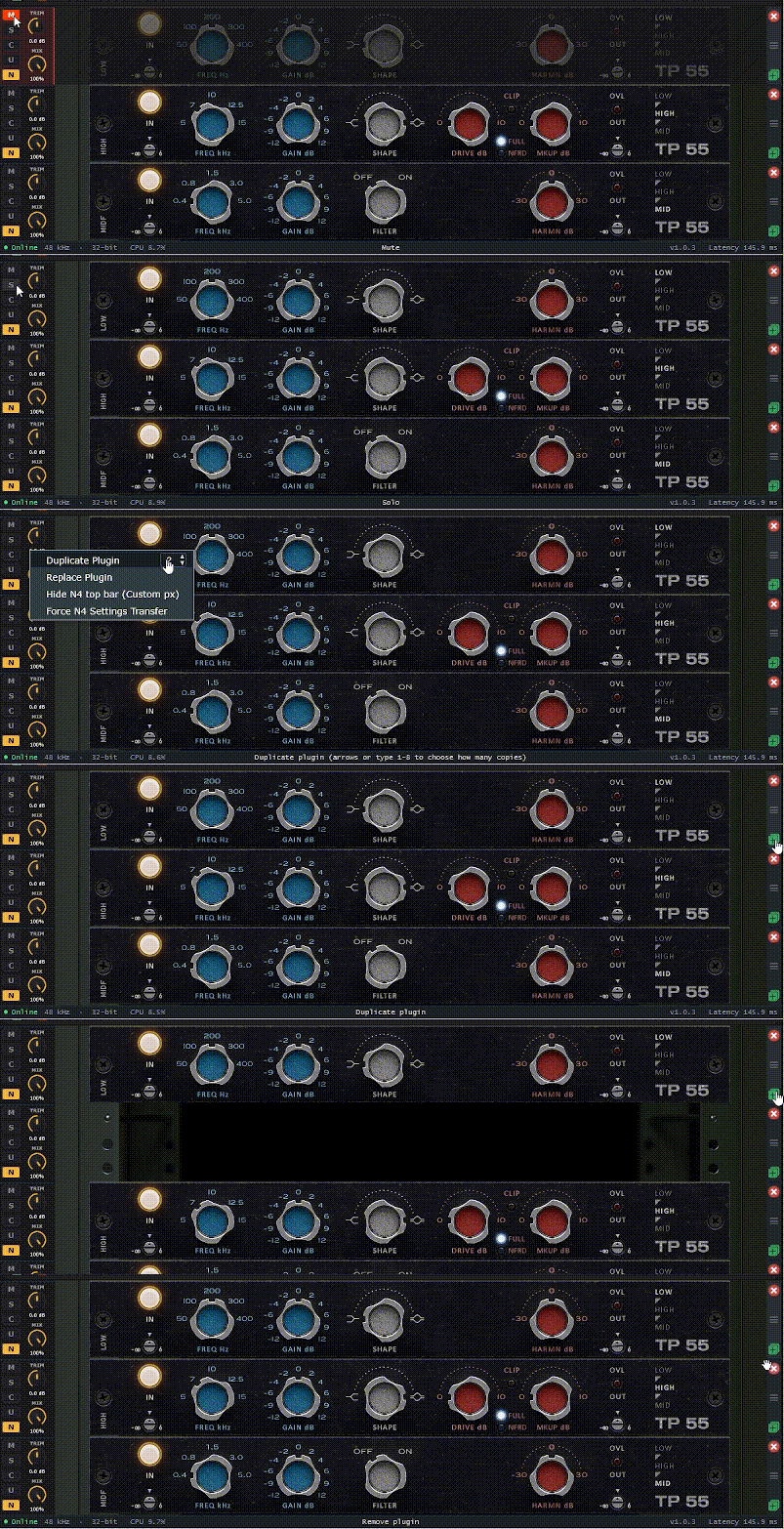
Mute, Solo, Duplicate and Remove per slot
![Mute, Solo, Duplicate and Remove per slot]()
-
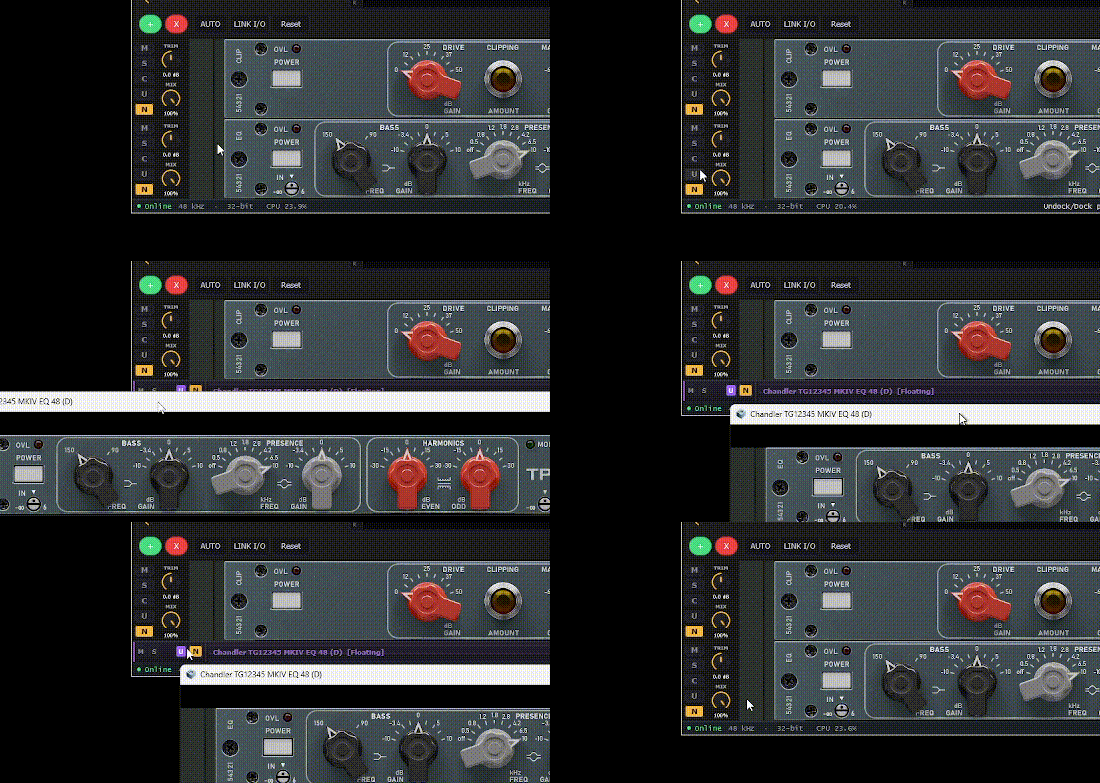
Floating or docked plugin windows
![Floating or docked plugin windows]()
-
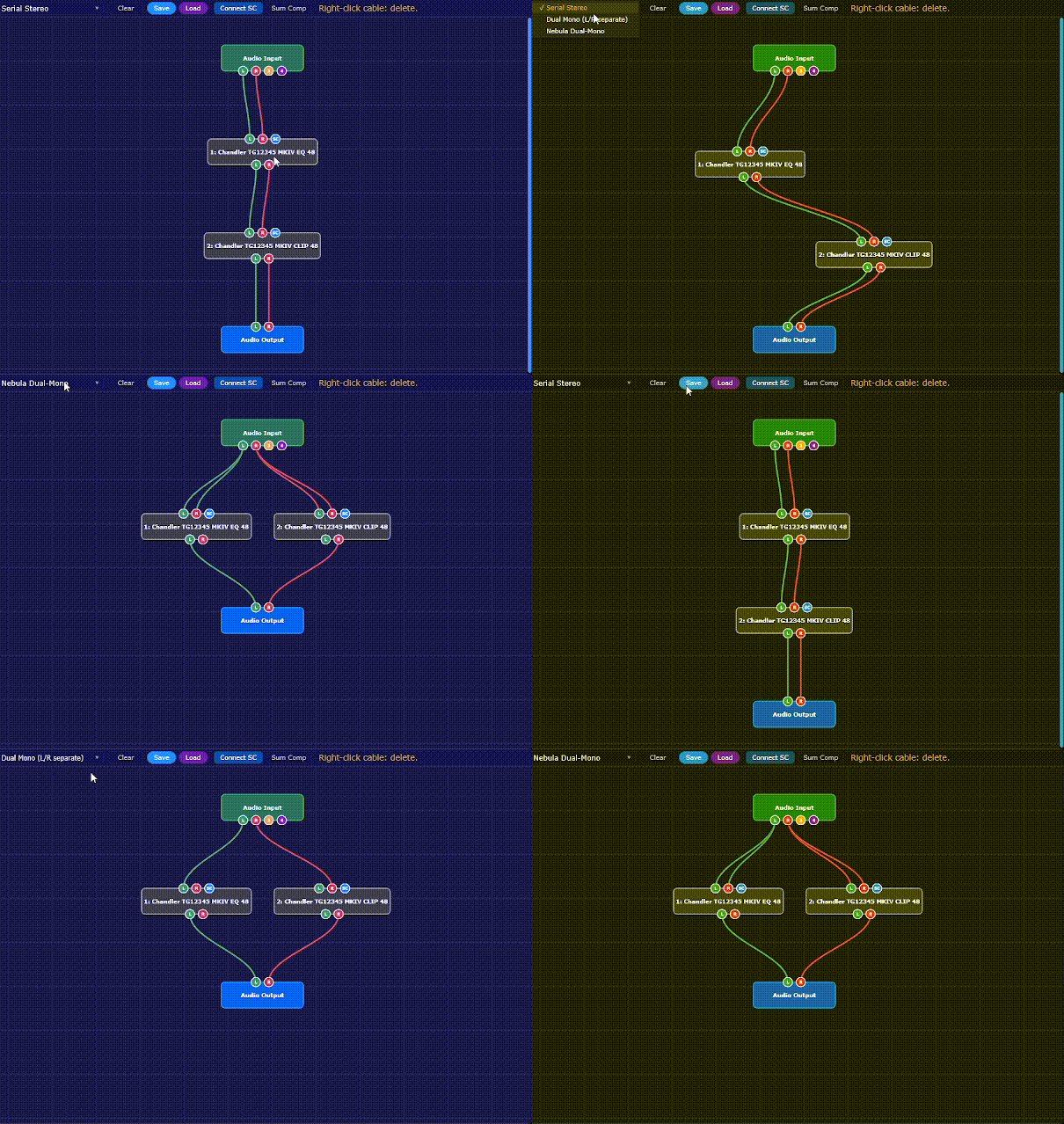
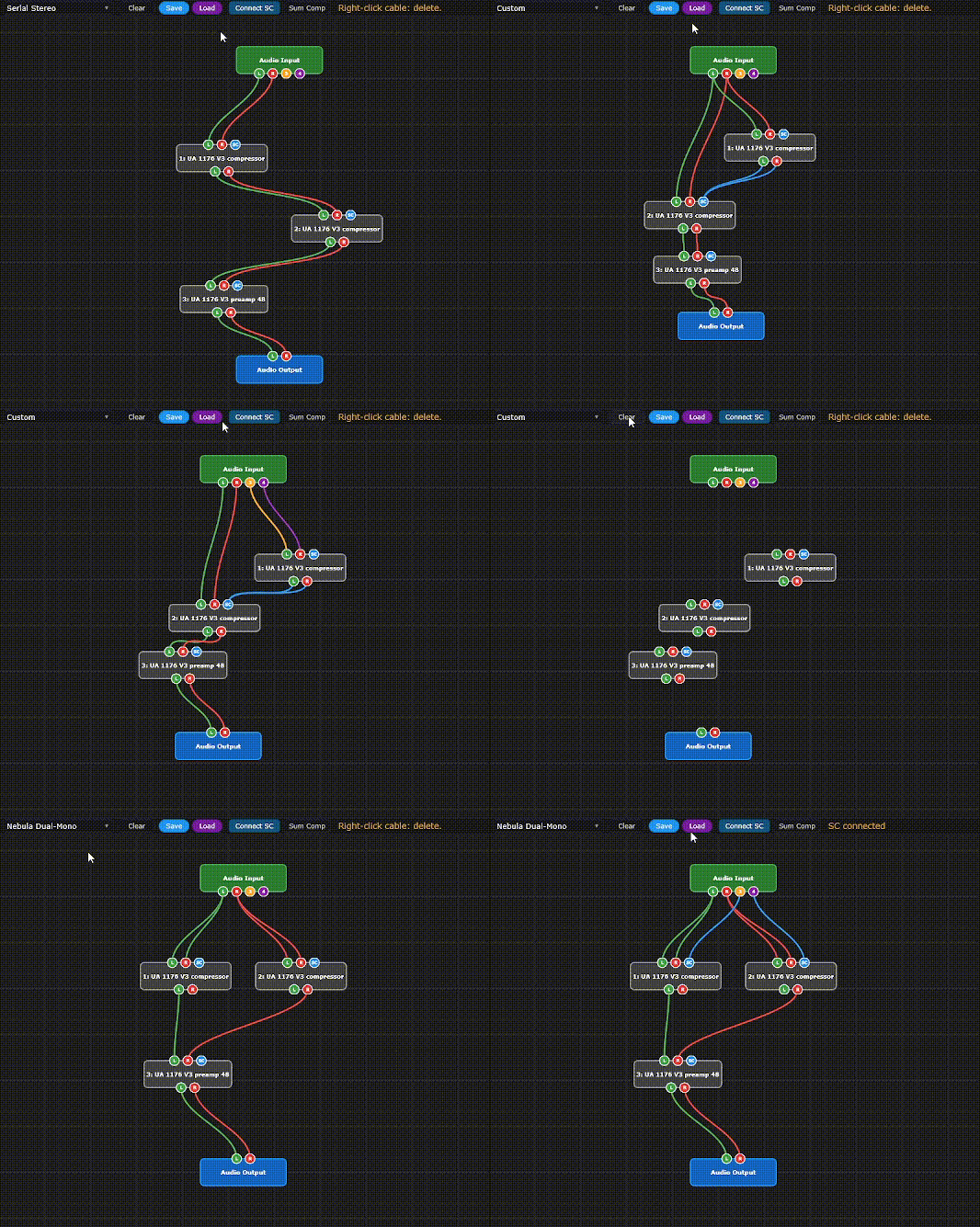
Visual routing graph for parallel paths
![Visual routing graph for parallel paths]()
-
Save and recall custom routings
![Save and recall custom routings]()
-
Strong Mode (N4 Only)
Keeps Nebula programs in sync across L and R in dual mono.
![Strong Mode (N4 Only)]()
-
Auto Gain for level-matched bypass
![Auto Gain for level-matched bypass]()
-
Linkable Input and Output Trim
![Linkable Input and Output Trim]()
-
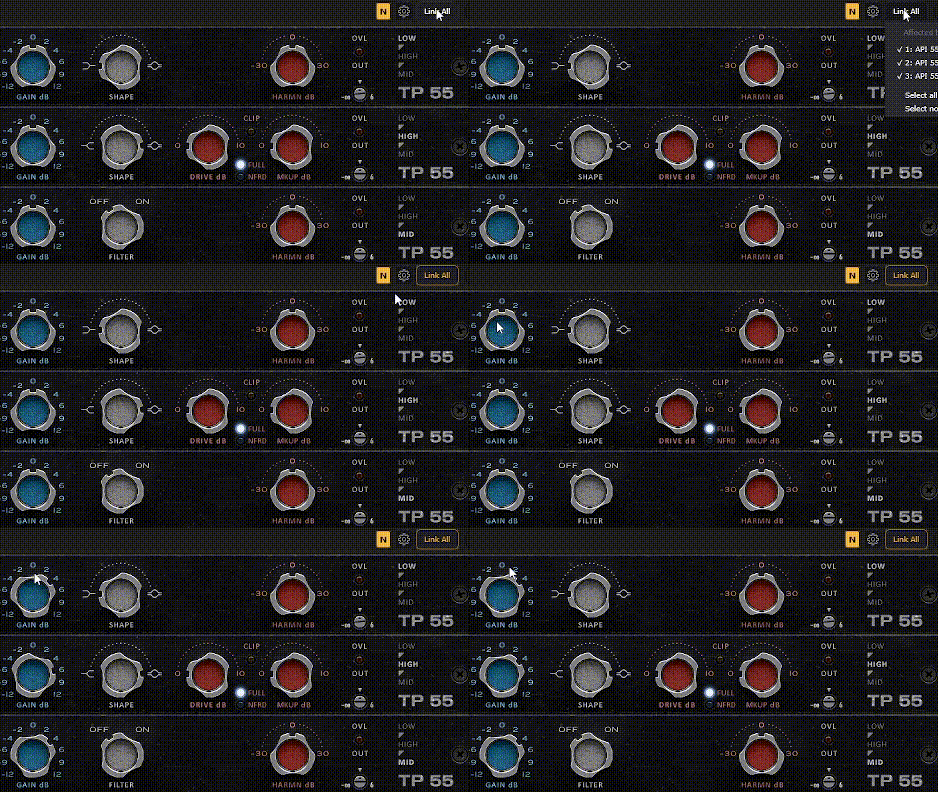
Link All: edit every slot at once
![Link All: edit every slot at once]()
-
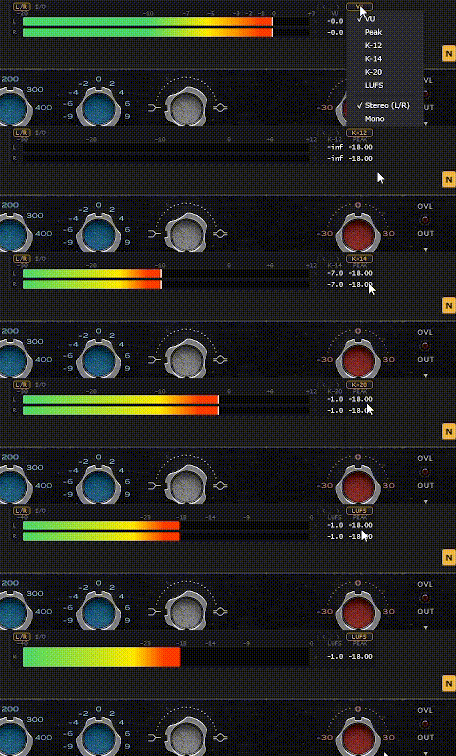
VU, Peak, K-System and LUFS meters
![VU, Peak, K-System and LUFS meters]()
-
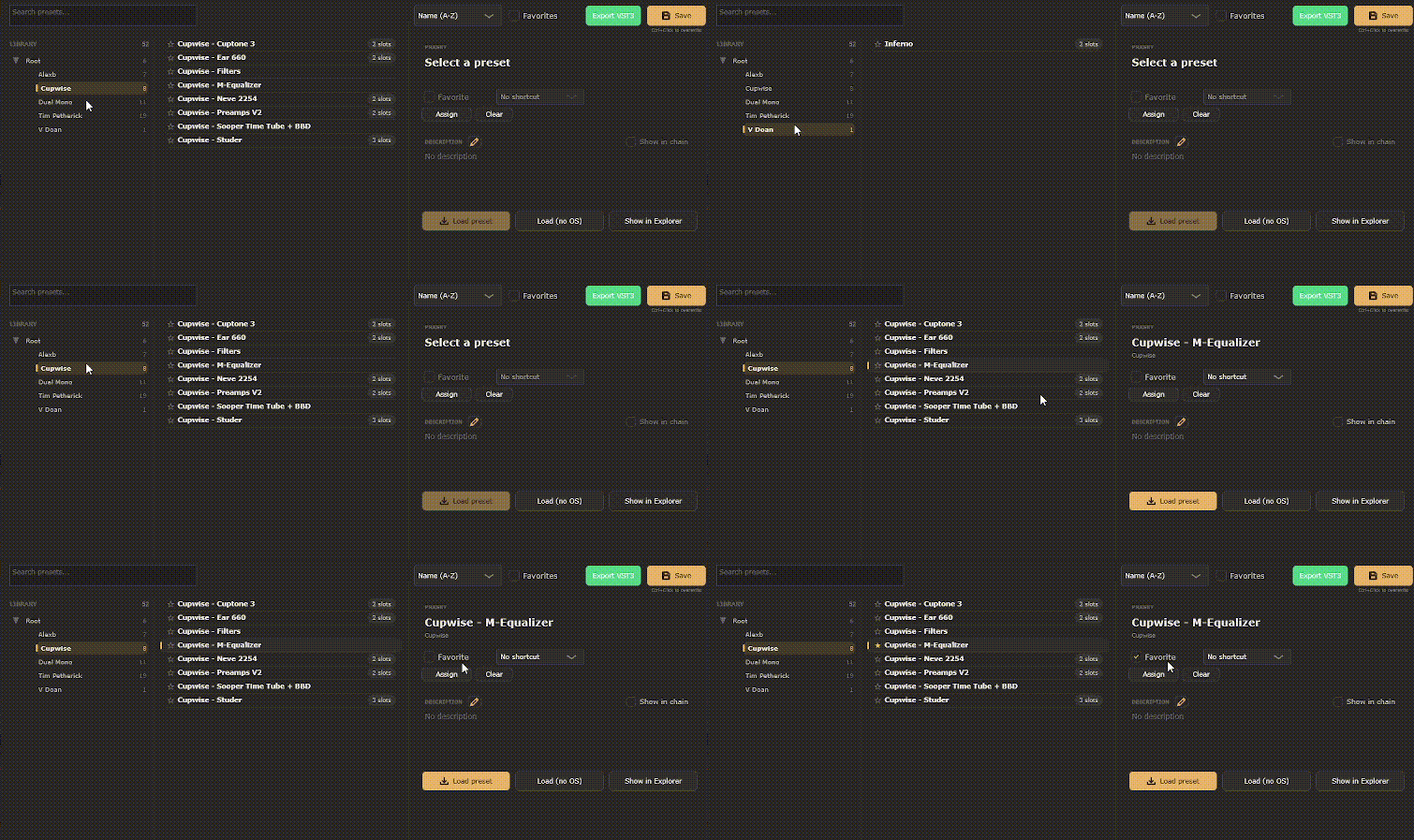
Preset Manager with folders and favorites
![Preset Manager with folders and favorites]()
-
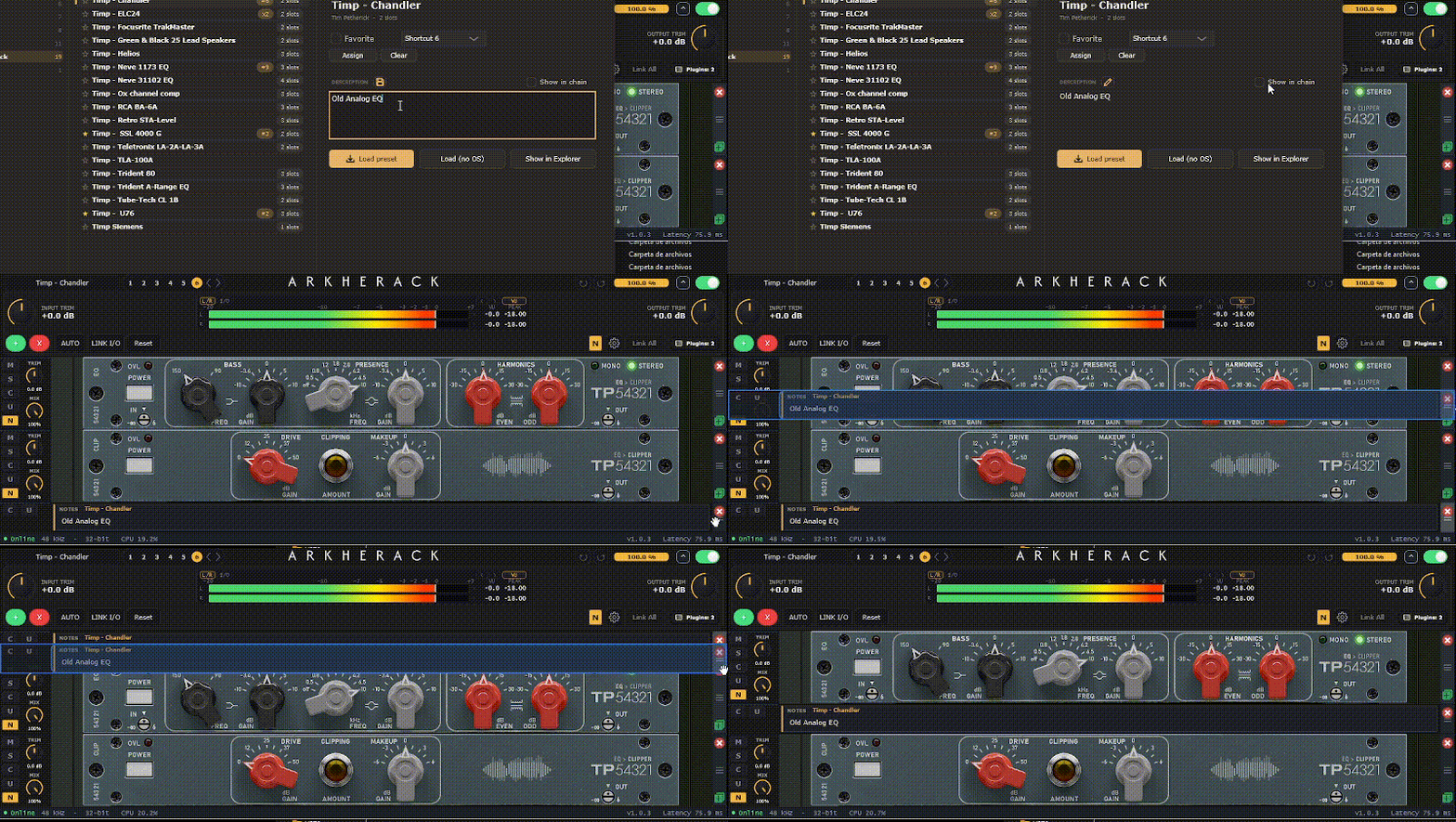
Preset notes shown inside the chain
![Preset notes shown inside the chain]()
-
Preset shortcuts
![Preset shortcuts]()
-
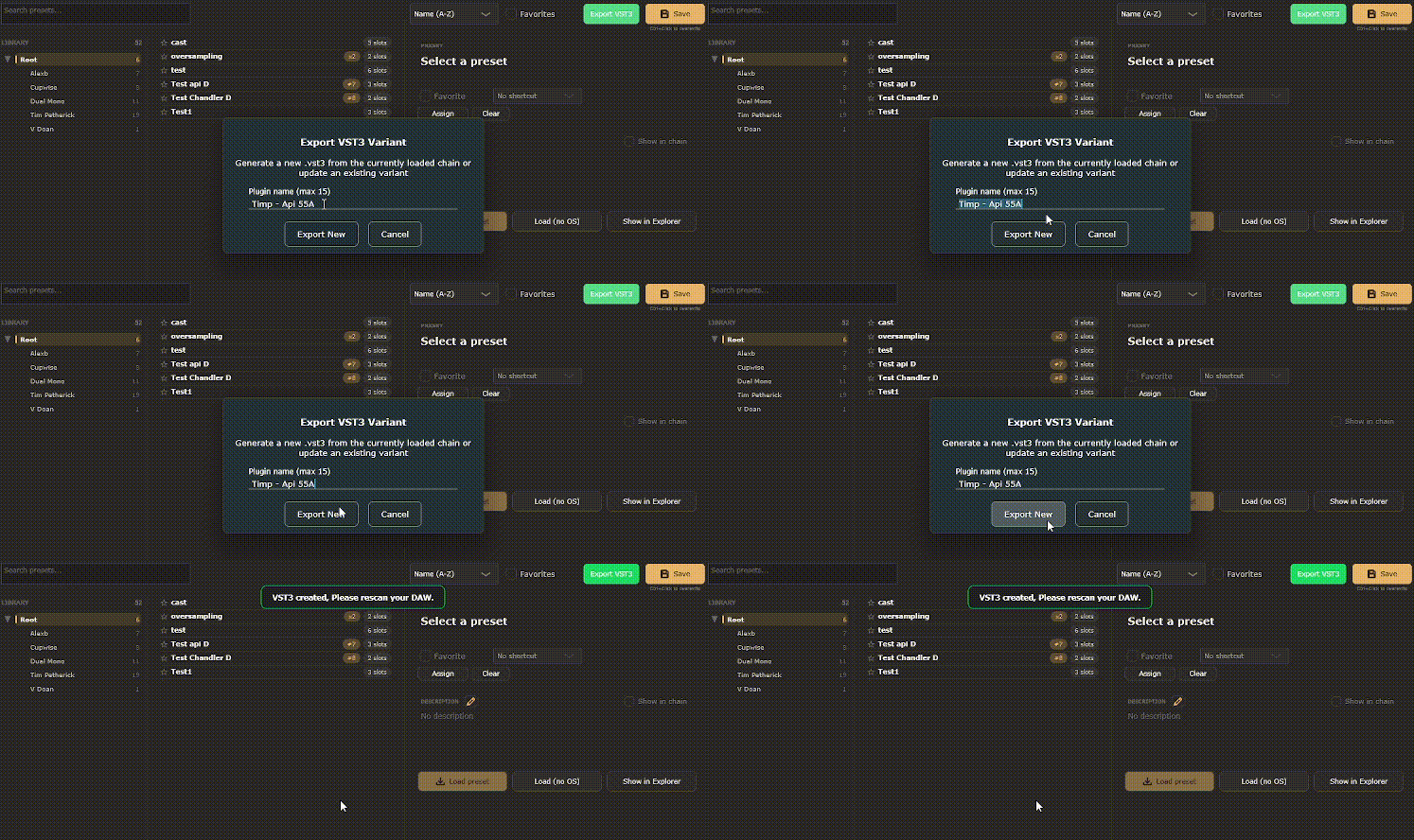
Export any preset as its own VST3
![Export any preset as its own VST3]()
-
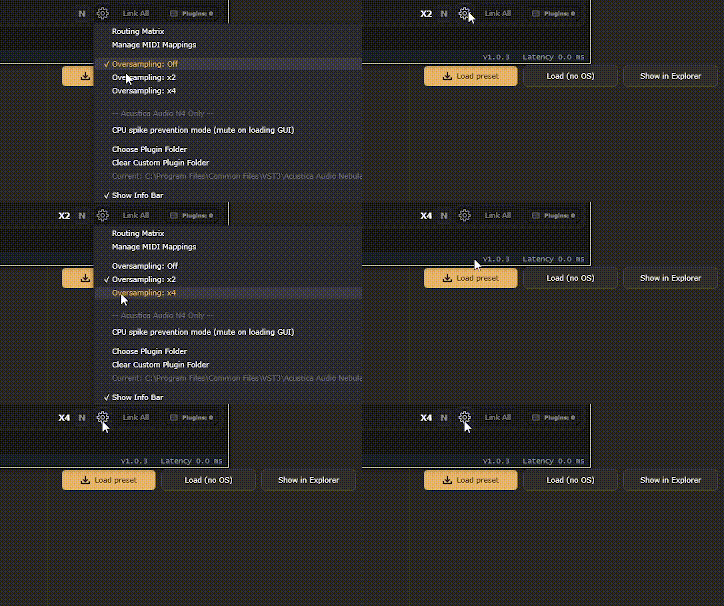
Oversampling off, x2 or x4
![Oversampling off, x2 or x4]()
-
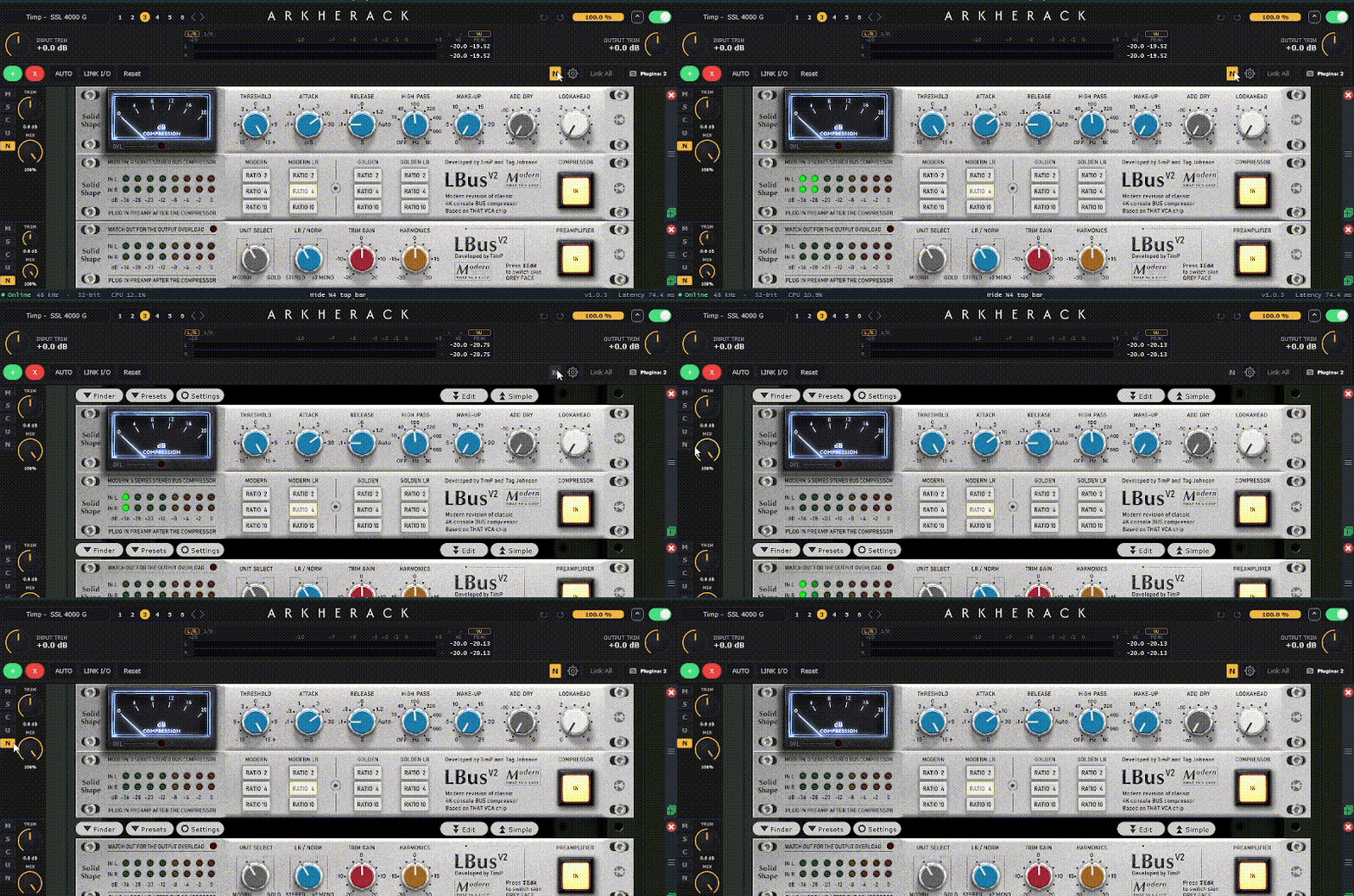
Hide the Nebula N4 top bar
![Hide the Nebula N4 top bar]()



About
Working with Nebula usually means lots of instances, lots of windows and rebuilding the same chain again and again. ArkheRack puts that chain in one place, and it works with any plugin, not just Nebula. Load your plugins, drag them into order and hear them as one processor. Each slot has its own mute, solo, trim and mix. Level matters, especially with Nebula. AUTO keeps your input at a healthy level, and LINK I/O lets you drive the chain harder without making it louder. Save whole chains as presets, or export one as its own plugin.
Serial Mode
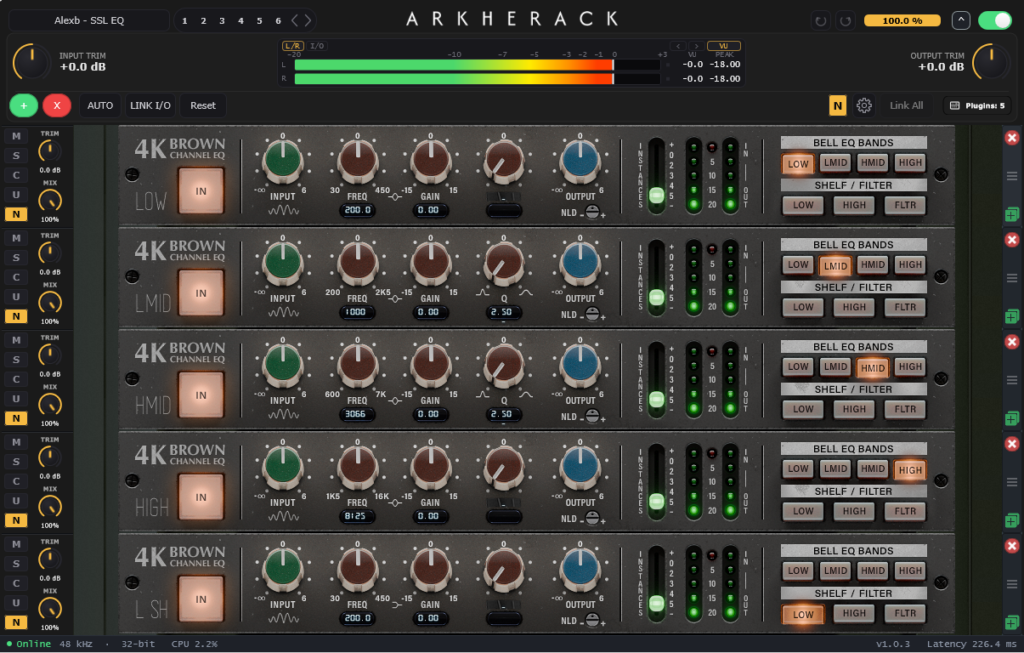
A full channel strip, in series
Stack your plugins and the signal runs through each one in order, top to bottom, just like a console channel. In this example, a channel EQ is split into five Nebula instances, one per band.
- Drag to reorder: change the order of the chain anytime and hear the difference right away.
- Trim and mix per slot: set how hard each plugin is driven, or blend it in with the dry signal.
- Mute, solo, conceal: check a single stage, bypass it, or hide its interface to keep long chains tidy.
- Link All: move a control on one slot and apply it to every slot at once.
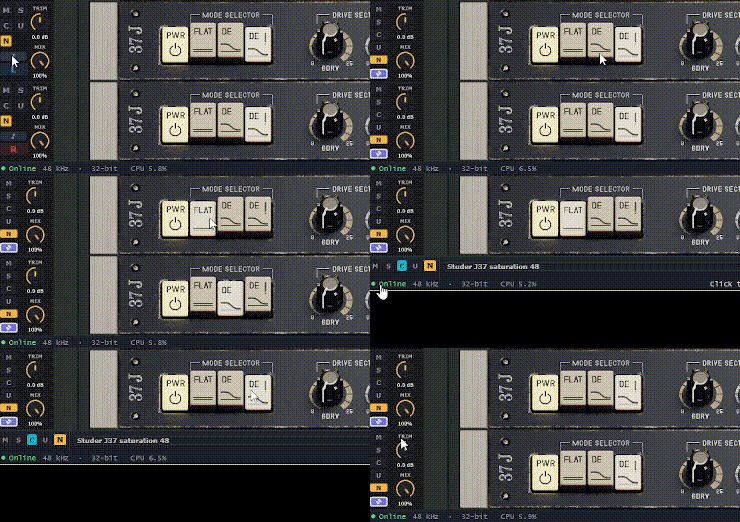
- Hide the N4 top bar: with the N button, Nebula plugins take less space and you see more of the chain.
Dual-Mono
True dual mono, without doubling your work
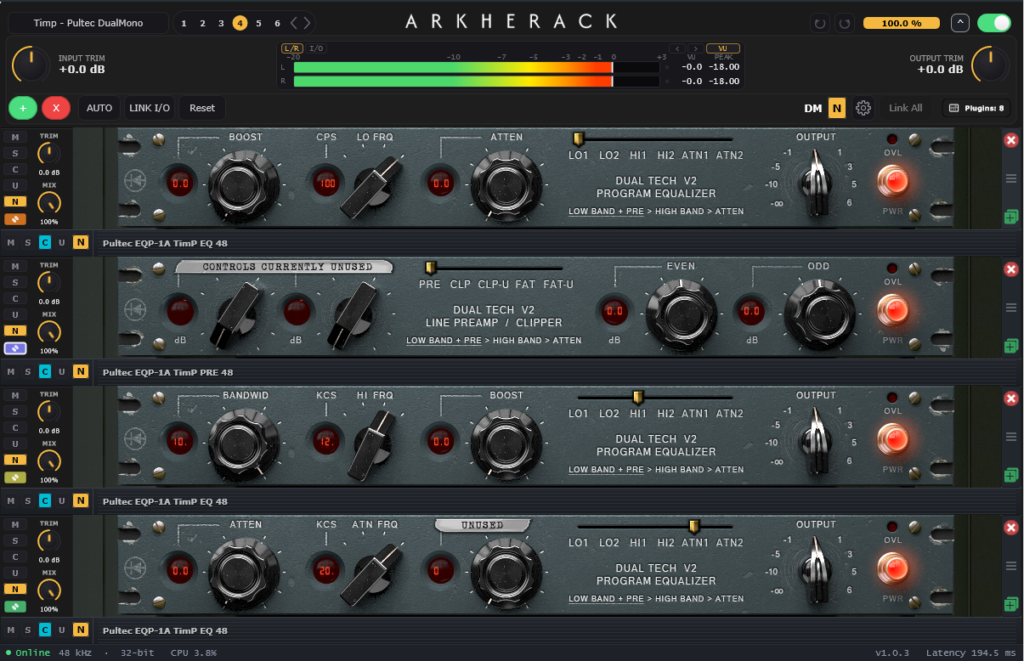
Hardware is often run in dual mono: one unit per channel, each with its own small differences. ArkheRack works the same way. Every stage runs two separate instances of the plugin, one for the left channel and one for the right, and you control both from a single panel.
- Normal link: move a knob on L and R follows. R stays free, so you can still nudge it by hand for a touch of analog imperfection.
- Strong link: L and R are locked together, including Nebula program changes, so both sides always match.
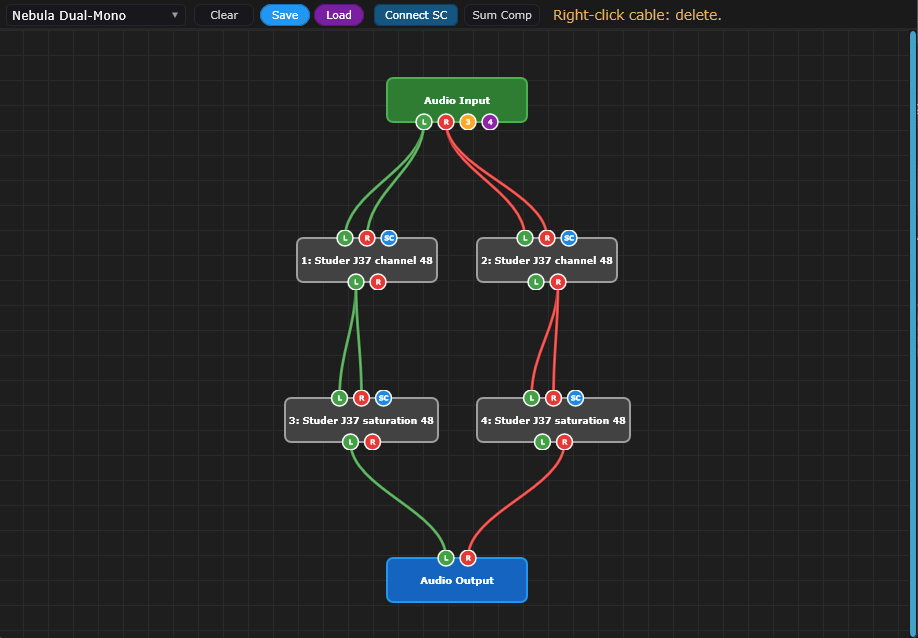
- Two ready-made routings: Dual Mono and Nebula Dual-Mono set everything up for you. The DM badge shows when it’s active.
- Sidechain ready: wire the sidechain to both channels in one click from the Routing Matrix.
Build the chain in the order you’d patch the real gear, save it as a preset, and that tone is one click away next time.
Use whatever plugin
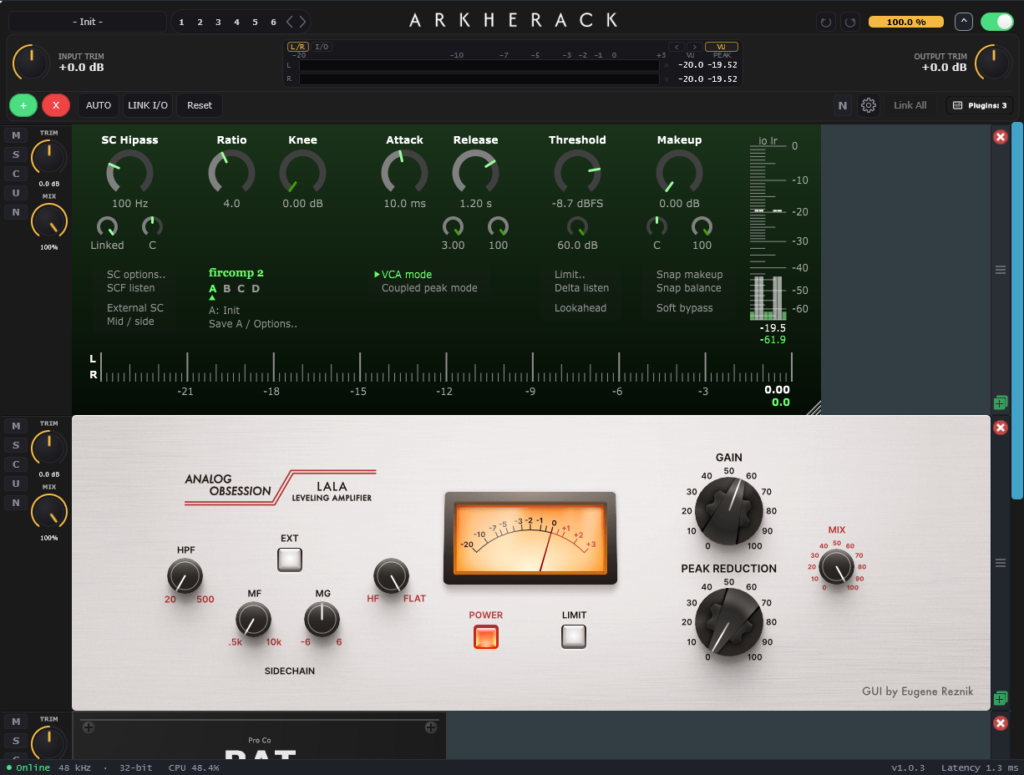
Load your favorite plugins into one chain. VST3 and VST2 on Windows, VST3 and AU on macOS.
Preset Manager
Keep every chain organized
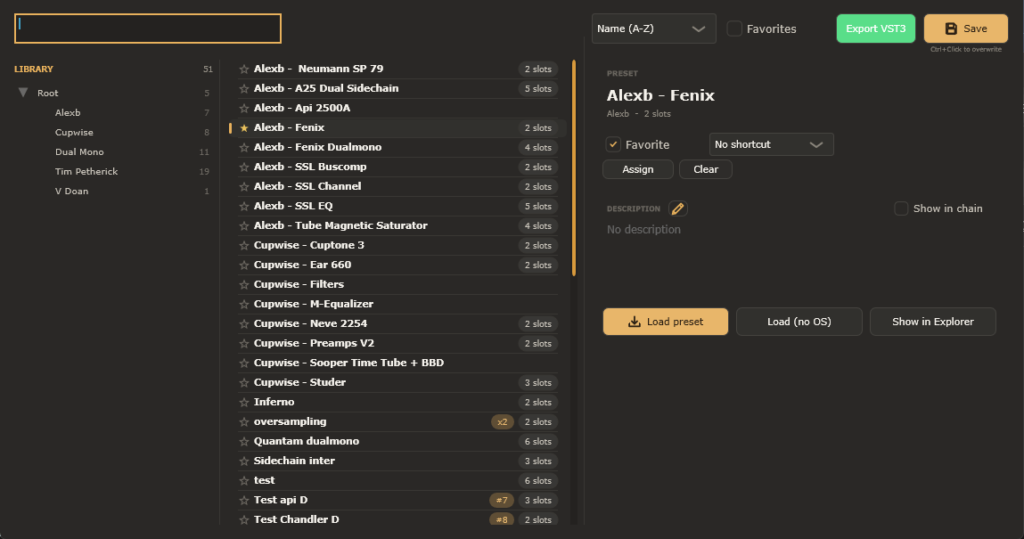
Your chains, sorted and ready to load. Organize presets into folders, mark favorites and find any chain in seconds by searching or sorting by name, recent use or chain size.
- Notes in the chain: write how a preset is meant to be used and show it right inside the rack while you work.
- 18 shortcuts: jump between your go-to chains in one click, straight from the main window.
- See it at a glance: each preset shows how many plugins it uses, whether it has oversampling and its shortcut number.
- Load your way: load a preset as saved, or keep your current oversampling setting.
- Export as a plugin: turn any preset into its own VST3 [and AU on macOS] with one button.
Routing Matrix
Shape the signal flow
Decide how the audio flows through your chain. Start from a ready-made routing (Serial, Dual Mono or Nebula Dual-Mono) or draw your own by connecting cables between plugins.
- Parallel paths: send the signal through several plugins at once and blend them.
- Sum Comp: keeps the volume steady when several cables join, so parallel paths don’t get louder.
- Sidechain: connect your DAW’s sidechain input to the plugins that accept it in one click.
- Routing presets: save your custom routings and load them in any session.
Discover the advanced features
Tech specs
Compatibility
- Plugin formats
- VST3 (Windows) · VST3 and AU (macOS, coming soon)
- DAW support
- Any VST3 host: Ableton Live, Cubase, REAPER, Studio One, Bitwig, FL Studio and more
System Requirements
- Windows Windows 10 or 11, 64-bit
- macOS Coming soon
- Architecture 64-bit only
- Internet Required for license activation
- Exported Variants VST3 (Windows) · VST3 and AU (macOS)
Screenshots
Frequently asked questions
Not yet. The Mac version (VST3 and AU) is coming soon. [If you buy now, your license will also work on Mac
Yes. ArkheRack was designed with Nebula (N4) in mind, with features like dual mono with Strong link, hiding the N4 top bar and CPU spike prevention. It also works with any other plugin. ArkheRack is not affiliated with Acustica Audio. Nebula is a trademark of its respective owners.
Not at the moment.
VST3 and VST2 on Windows. VST3 and AU on macOS.
Any DAW that supports VST3 or AU on Mac, such as Ableton Live, Cubase, Studio One, REAPER, Bitwig and FL Studio.
No. It works with any plugin. Nebula users simply get a few extra features.
Up to 2 computers that belong to you
Only to activate your license and check for updates. After that, it works offline
Yes. Updates are free
Yes, on any computer where your license is activated.
ArkheRack itself is very light. The CPU load and latency mostly come from the plugins you load. Oversampling increases both, and you can turn it off at any time.
Write to support@arkhe-studios.com and include your OS, DAW and ArkheRack version. You can find the version at the bottom of the plugin window.